AI Tools I Actually Use Every Day as a Design Engineer
Every job listing mentions AI. Every tech article hypes it. But what does a design engineer actually use? Not a listicle of shiny new toys. This is a breakdown of the AI tools that are genuinely integrated into my daily workflow, what they excel at, and crucially, where they fall short. AI makes me 10x faster, but it doesn't make me 0x better at design thinking. That's the honest take.
Claude Code: Your Pair Programmer, Not Your Designer
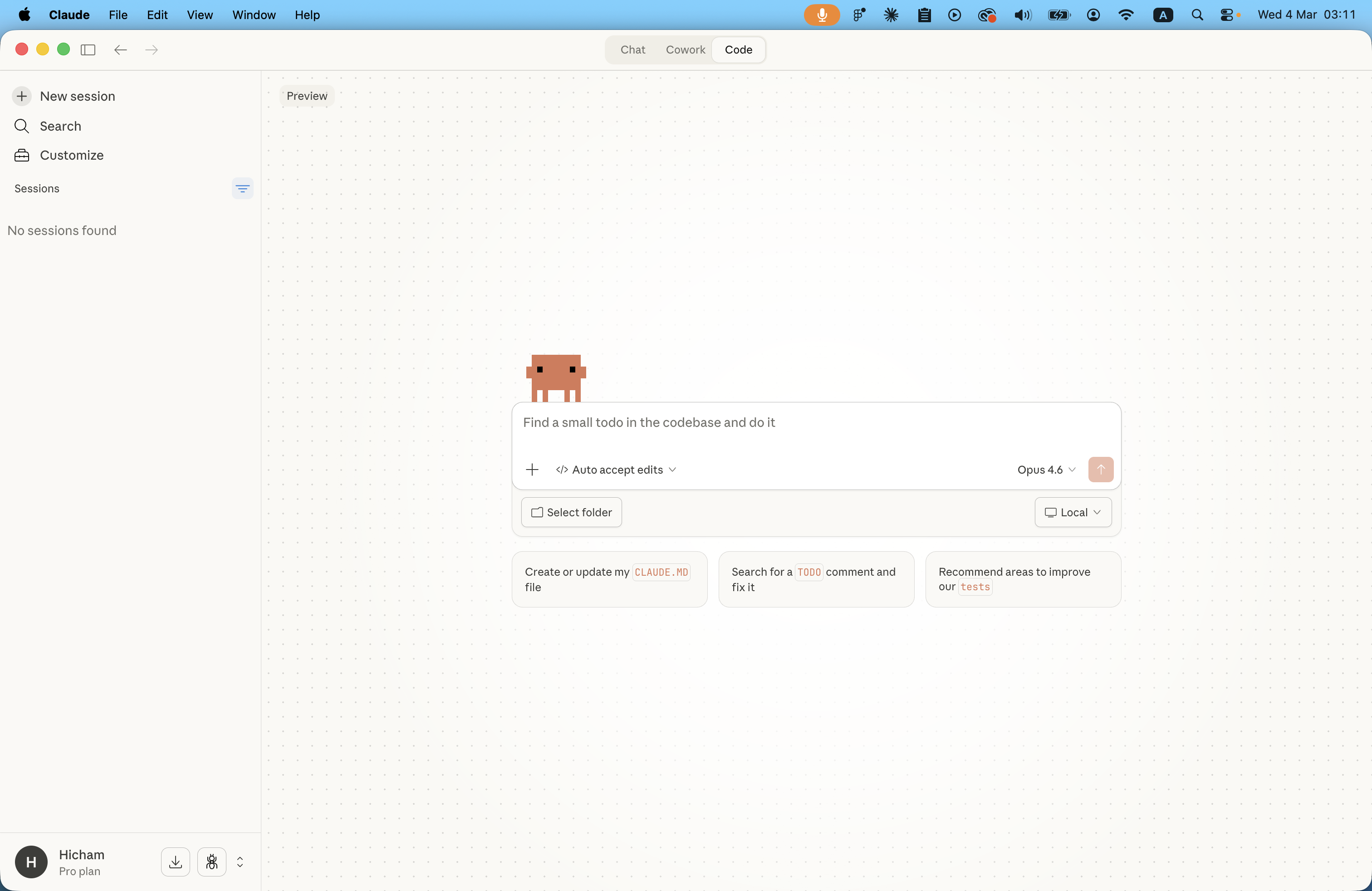
Claude Code is my go-to for rapid code generation and refactoring. It's a powerful pair programmer, but it's not a replacement for design judgment.
When I use it:
- Scaffolding Components: Need a basic React component with props and state? Claude Code can generate the boilerplate in seconds. This saves the initial setup time, letting me jump straight into styling and functionality.
- Debugging: When I hit a cryptic error message, pasting it into Claude Code often provides immediate insights or potential fixes. It's like having a senior developer looking over my shoulder.
- Refactoring: I use it to suggest cleaner ways to write existing code, optimize loops, or simplify complex logic. It helps maintain code quality and readability.
When I don't use it:
- Visual Decisions: Claude Code doesn't have taste. It can't tell you if a button should be rounded or square, or if a particular shade of blue aligns with a brand's aesthetic. These are human decisions.
- Layout Judgment: While it can generate CSS, it struggles with nuanced layout decisions that require an understanding of visual hierarchy, balance, and user flow. The browser is still the ultimate arbiter of good layout.
Cursor: My IDE, Supercharged
Cursor is my primary IDE, and it integrates AI directly into the coding experience. It's different from Claude Code because it's embedded in my environment, offering real-time assistance.
How I use it differently from Claude Code:
- In-line Suggestions: Cursor provides context-aware code suggestions as I type, often completing lines or blocks of code before I even finish thinking about them. This is particularly useful for repetitive tasks or recalling API structures.
- Chat within the Editor: I can ask Cursor questions about my codebase directly within the editor. For example, "How do I pass this prop to the child component?" or "Find all instances of this function." This keeps me in the flow, without context-switching to a separate chat interface.
v0 by Vercel: Generating UI Starting Points
v0 is a fascinating tool for generating UI components from text prompts. I use it as a starting point, not a final solution.
What it gets right:
- Component Ideas: It's great for quickly exploring different layout options or component structures. I can prompt it with "a pricing page with three tiers" and get several viable starting points in seconds.
- Boilerplate Code: The generated code is often clean and uses modern best practices, providing a solid foundation to build upon.
What it gets wrong:
- Brand Alignment: The generated components are generic. They don't know my brand's color palette, typography, or design system. They require significant customization to fit into an existing project.
- Nuanced Interactions: v0 is good at static layouts, but it doesn't handle complex state management or intricate animations well. These still need to be implemented manually.
AI Image Generation: For Mockups and Placeholders
Tools like Midjourney or Stable Diffusion are part of my toolkit, but not for final assets. I use them for:
- Mockups: Quickly generating placeholder images for a design to see how it feels with real content.
- Inspiration: Exploring different visual styles or concepts for a project before committing to a specific direction.
I never use AI-generated images in production without significant manual editing and refinement. They are a starting point, not a finished product.
n8n and Make: Automating the Repetitive
As a solo builder, automation is my force multiplier. Tools like n8n and Make handle the repetitive tasks that would otherwise consume my time.
A specific example: I have an n8n workflow that monitors my Twitter mentions for specific keywords related to Shotframe. When a match is found, it sends a notification to my Slack, creates a task in my project management tool to follow up, and adds the user to a potential customer list. This automates my social listening and lead generation, saving me hours each week.
What AI Can't Do
For all its power, AI has clear limitations. It can't replicate:
- Taste: The subtle, intuitive sense of what looks and feels right. The ability to know when something is off by just 2 pixels.
- Brand Judgment: Understanding a brand's essence and ensuring every design decision aligns with it.
- Strategic Thinking: Identifying the core problem to be solved and devising a creative, effective solution.
AI is a powerful tool, but it's just that—a tool. It accelerates the execution, but it doesn't replace the thinking. It makes a good design engineer faster, but it doesn't make a bad one good.